The digital economy is creating thousands of new career opportunities every year. Businesses across the world need skilled professionals in web development, graphic design, digital marketing, SEO, content creation, and other technology-related fields. As a result, practical IT education has become one of the smartest investments for students, job seekers, freelancers, and career changers.
If you’re looking for a trusted institute to begin your professional journey, the IT Vanilla Admission process offers a simple way to enroll in career-oriented courses designed to help you develop real-world skills. IT Vanilla focuses on practical learning, expert mentorship, project-based training, and career support to prepare learners for freelancing, remote jobs, and full-time employment.
Why Choose IT Vanilla?
Selecting the right training institute is the first step toward building a successful career. IT Vanilla emphasizes practical experience rather than theoretical learning alone.
Some key reasons to choose IT Vanilla include:
- Industry-focused curriculum
- Hands-on project-based learning
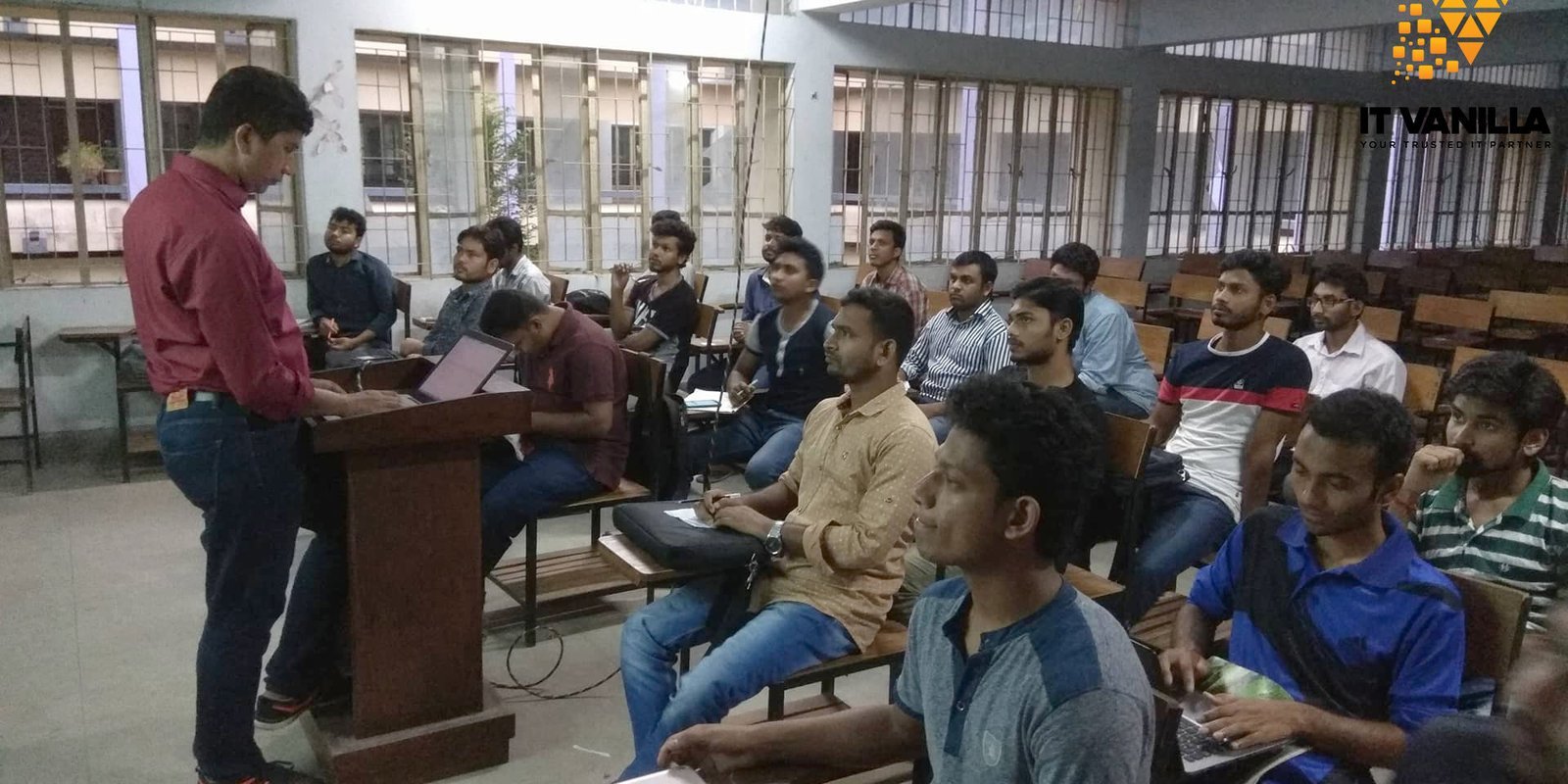
- Experienced mentors
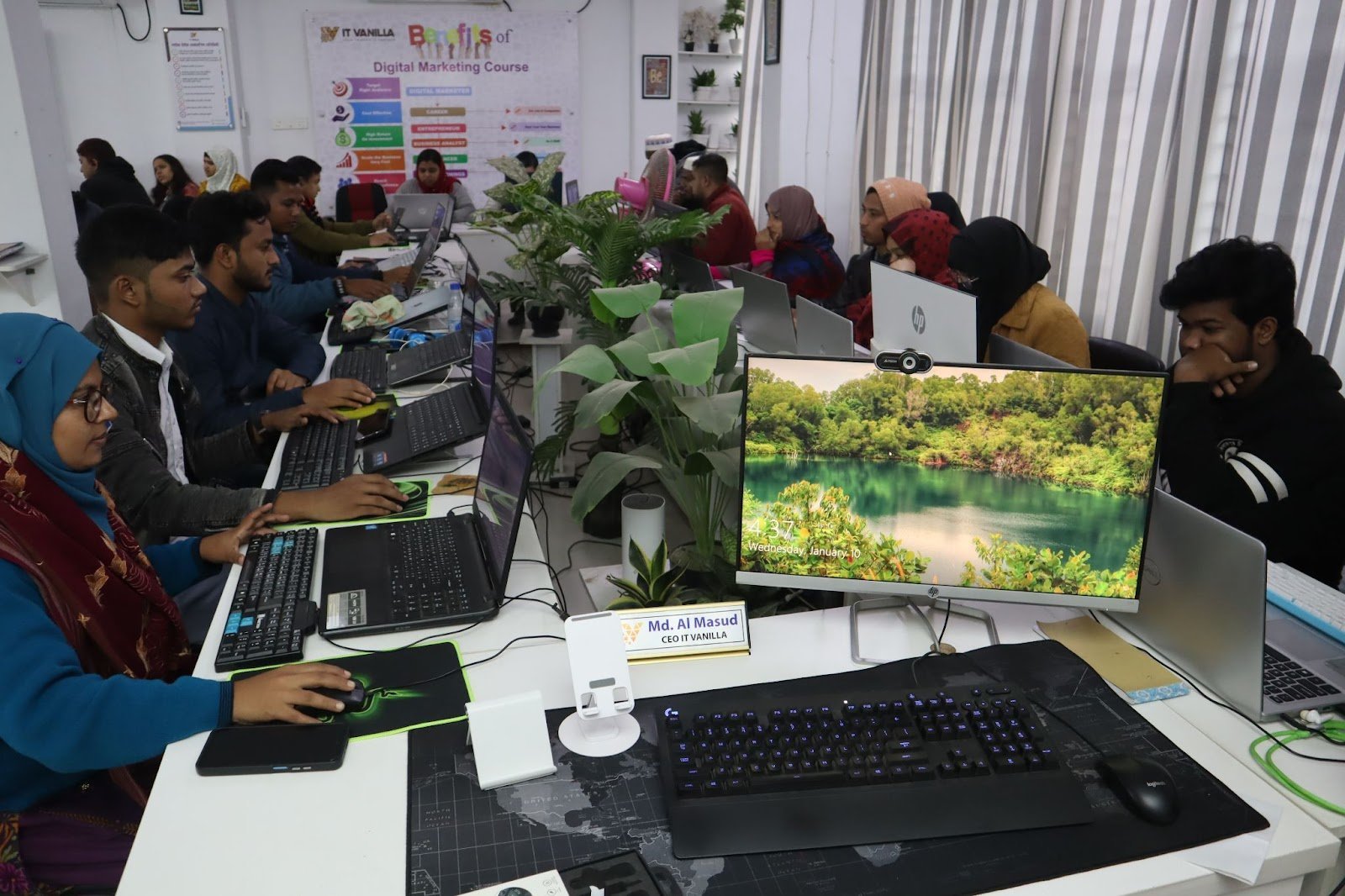
- Modern training environment
- Small batch sizes
- Lifetime learning support
- Career guidance
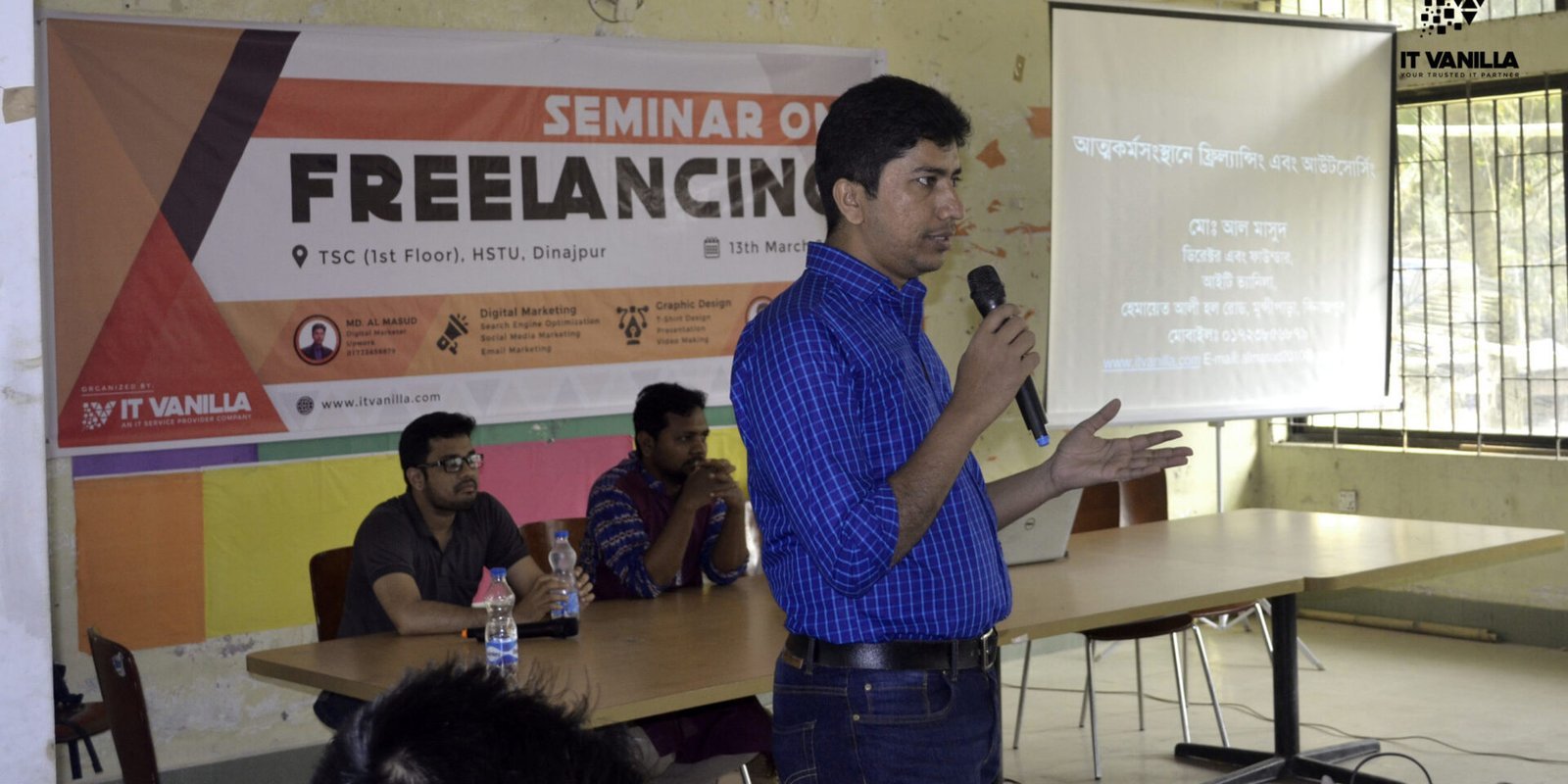
- Freelancing mentorship
- Internship opportunities
- Portfolio development
The institute is committed to helping students develop skills that employers and clients value in today’s competitive digital marketplace.
Professional Courses Available
IT Vanilla offers several in-demand IT courses suitable for beginners as well as learners who want to upgrade their skills.
SEO & Digital Marketing
Learn how businesses attract customers through search engines and social media.
Topics may include:
- Keyword Research
- On-Page SEO
- Technical SEO
- Off-Page SEO
- Google Search Optimization
- Social Media Marketing
- Facebook Marketing
- Content Marketing
- Email Marketing
- Digital Advertising
Web Design & Development
Build professional websites using modern technologies.
Students can learn:
- HTML5
- CSS3
- JavaScript
- Responsive Design
- WordPress
- Website Optimization
- UI Basics
- Website Deployment
Graphic Design
Creative learners can build professional design skills through practical assignments.
Training may cover:
- Adobe Photoshop
- Adobe Illustrator
- Logo Design
- Branding
- Banner Design
- Social Media Graphics
- Print Design
- Portfolio Development
Computer Fundamentals
For beginners, IT Vanilla also offers foundational computer training that covers Microsoft Office applications, internet usage, document creation, spreadsheets, presentations, and essential digital skills.
Admission Process
The admission process is designed to be simple and convenient for prospective students.
Step 1: Choose Your Course
Select the course that best matches your interests and career goals.
Step 2: Fill Out the Admission Form
Provide your personal information accurately during registration.
Step 3: Contact the Admission Team
If you need guidance regarding course selection, duration, schedules, or fees, the admission team can help answer your questions.
Step 4: Complete Enrollment
Once your registration is confirmed, you can complete the enrollment process and secure your seat in your chosen course.
Who Can Apply?
IT Vanilla welcomes learners from different educational and professional backgrounds.
Eligible applicants may include:
- School and college students
- University students
- Fresh graduates
- Job seekers
- Freelancers
- Entrepreneurs
- Career changers
- Anyone interested in learning IT skills
Previous professional experience is not required. Motivation, consistency, and willingness to learn are often the most important qualities.
Benefits of Taking Admission at IT Vanilla
Enrolling in an IT training institute should provide more than classroom education.
Students can benefit from:
Practical Learning: Assignments and projects help learners apply their knowledge in real-world situations.
Expert Mentorship: Experienced instructors provide guidance throughout the learning journey.
Portfolio Development: Students build professional portfolios that showcase their skills to employers and clients.
Freelancing Preparation: Learners gain knowledge about working with international clients and online marketplaces.
Career Support: Training focuses on developing job-ready skills that improve employability.
Continuous Learning: Ongoing mentoring and support encourage students to continue improving even after course completion.
Learn Through Real Projects
One of the biggest advantages of professional IT training is practical experience.
Students may work on projects such as:
- Business websites
- Landing pages
- Graphic design portfolios
- SEO campaigns
- Marketing strategies
- Content writing assignments
- Social media creatives
- Website optimization tasks
Working on projects helps learners build confidence while preparing for professional work environments.
Develop High-Demand Skills
Technology continues to evolve rapidly, making practical digital skills more valuable than ever.
By joining IT Vanilla, learners can strengthen:
Technical Skills
- Web Development
- Graphic Design
- SEO
- Digital Marketing
- Website Optimization
- Content Writing
- Computer Applications
Professional Skills
- Communication
- Teamwork
- Problem Solving
- Time Management
- Critical Thinking
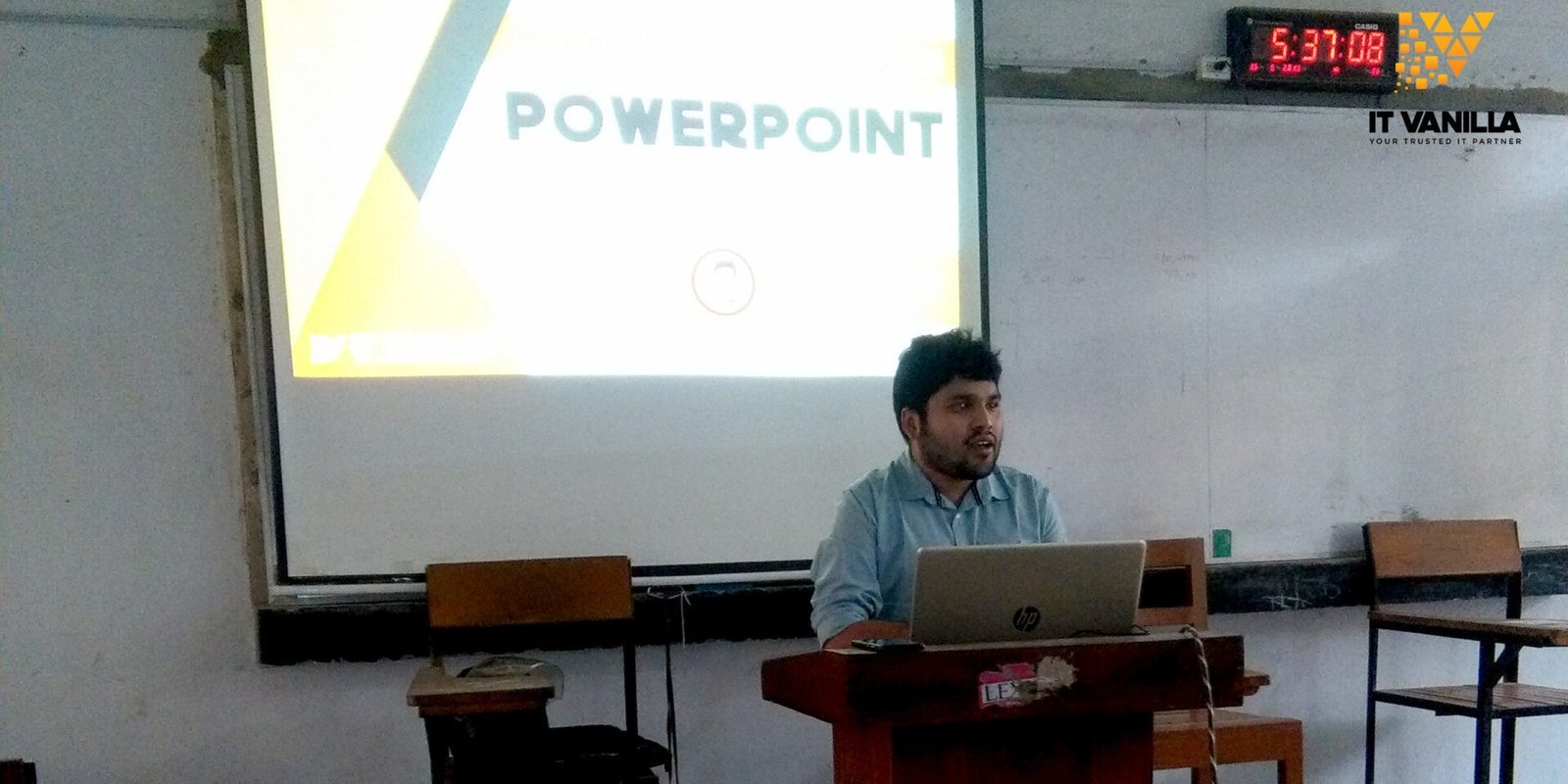
- Presentation Skills
- Client Communication
These transferable skills are useful for both freelancing and traditional employment.
Career Opportunities After Completing Your Course
Completing professional IT training can open doors to numerous career opportunities.
Possible career paths include:
- SEO Executive
- Digital Marketing Executive
- Web Designer
- Front-End Developer
- WordPress Developer
- Graphic Designer
- Content Writer
- Social Media Manager
- Freelancer
- Entrepreneur
Career success depends on continuous learning, practical experience, and dedication, but structured training provides a strong foundation.
Why Practical Training Matters
Many learners complete online tutorials but struggle when asked to complete real projects.
Project-based learning helps students:
- Understand client requirements
- Meet deadlines
- Collaborate with teams
- Solve practical problems
- Build confidence
- Create professional portfolios
This practical experience makes graduates more competitive in today’s job market.
Conclusion
Choosing the right training institute can shape your future career. The IT Vanilla Admission process offers aspiring professionals an opportunity to develop practical IT skills through industry-focused courses, expert mentorship, and real-world projects. Whether your goal is freelancing, remote work, or full-time employment, learning from experienced professionals can help you build confidence and stay competitive in the growing digital economy.
FAQ
Who can apply for admission to IT Vanilla?
Students, graduates, freelancers, job seekers, and anyone interested in learning professional IT skills can apply.
What courses are available?
Popular courses include SEO & Digital Marketing, Web Design & Development, Graphic Design, and Computer Fundamentals.
Is prior experience required?
No. Most beginner-level courses are designed for learners with little or no previous experience.
Will I receive practical training?
Yes. IT Vanilla emphasizes project-based learning, practical assignments, and portfolio development.
How can I complete the admission process?
Choose your preferred course, complete the admission form, communicate with the admission team if needed, and finalize your enrollment according to the institute’s instructions.